


Pro-level data acquisition on the S2000 — without the pro-level price. This is the full hardwired RaceBox Micro install: fuse tap, clean dash routing, dashboard mount. Turns on with the car, stays out of the way, and logs everything.
OSMS Exclusive: Use code OSMS15 at racebox.pro for 15% off — works on ALL products.
Watch the Full Install
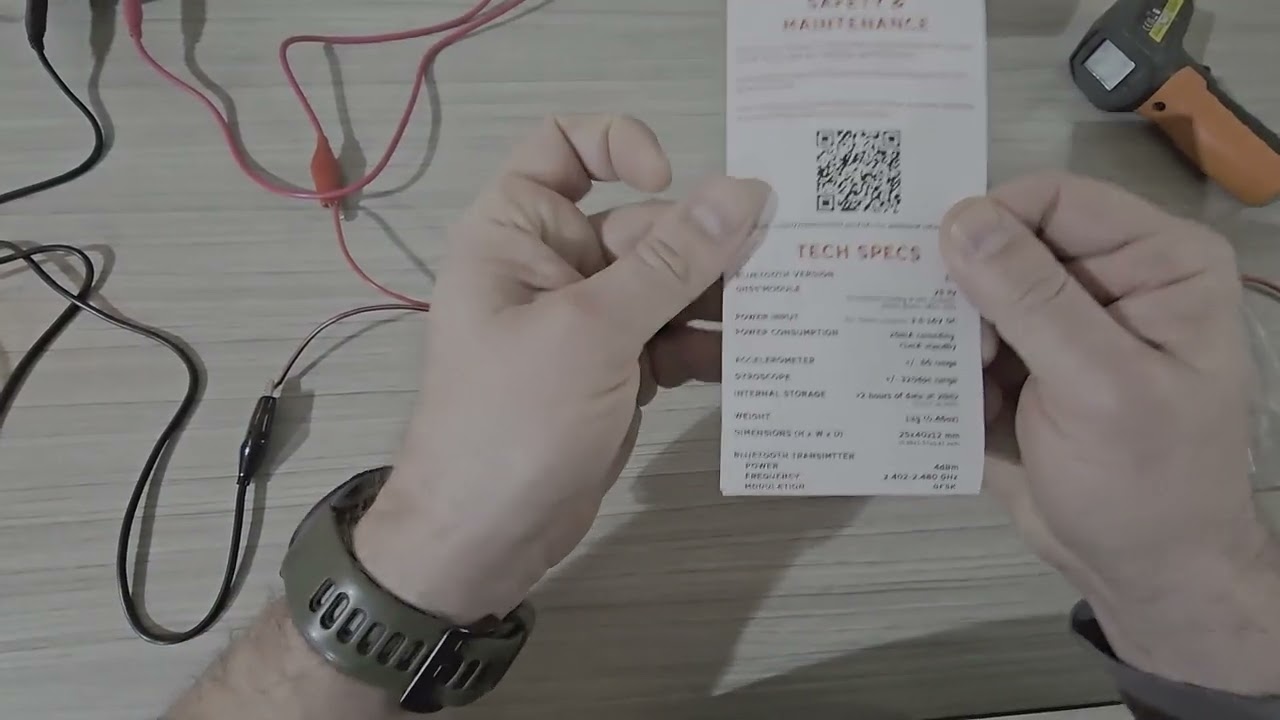
Full step-by-step walkthrough — S2000 specific but applicable to any car.
Why RaceBox Micro
- 25Hz GPS — catches corner entry, apex, and exit with precision
- ±16g accelerometer — handles anything a track car can throw at it
- Bluetooth + app — live lap timing, speed trace, g-force, video sync
- No subscription — buy once, use forever
Gear Used
| Item | Link |
|---|---|
| RaceBox Micro GPS Lap Timer | racebox.pro — use OSMS15 |
| UCTRONICS 5V 5A Buck Converter (2-pack) | Amazon |
| ATT Low Profile LP Fuse Tap | Amazon |
| ATR Micro2 Fuse Tap | Amazon |
| 18 AWG Wire | Amazon |
| Taiss Dupont Crimping Tool Kit (600pc) | Amazon |
| DC Bench Power Supply 30V/10A | Amazon |
Install Overview
Goal: switched 12V source → buck converter → clean 5V to RaceBox. Unit mounts on the dashboard level for unobstructed GPS sky view.
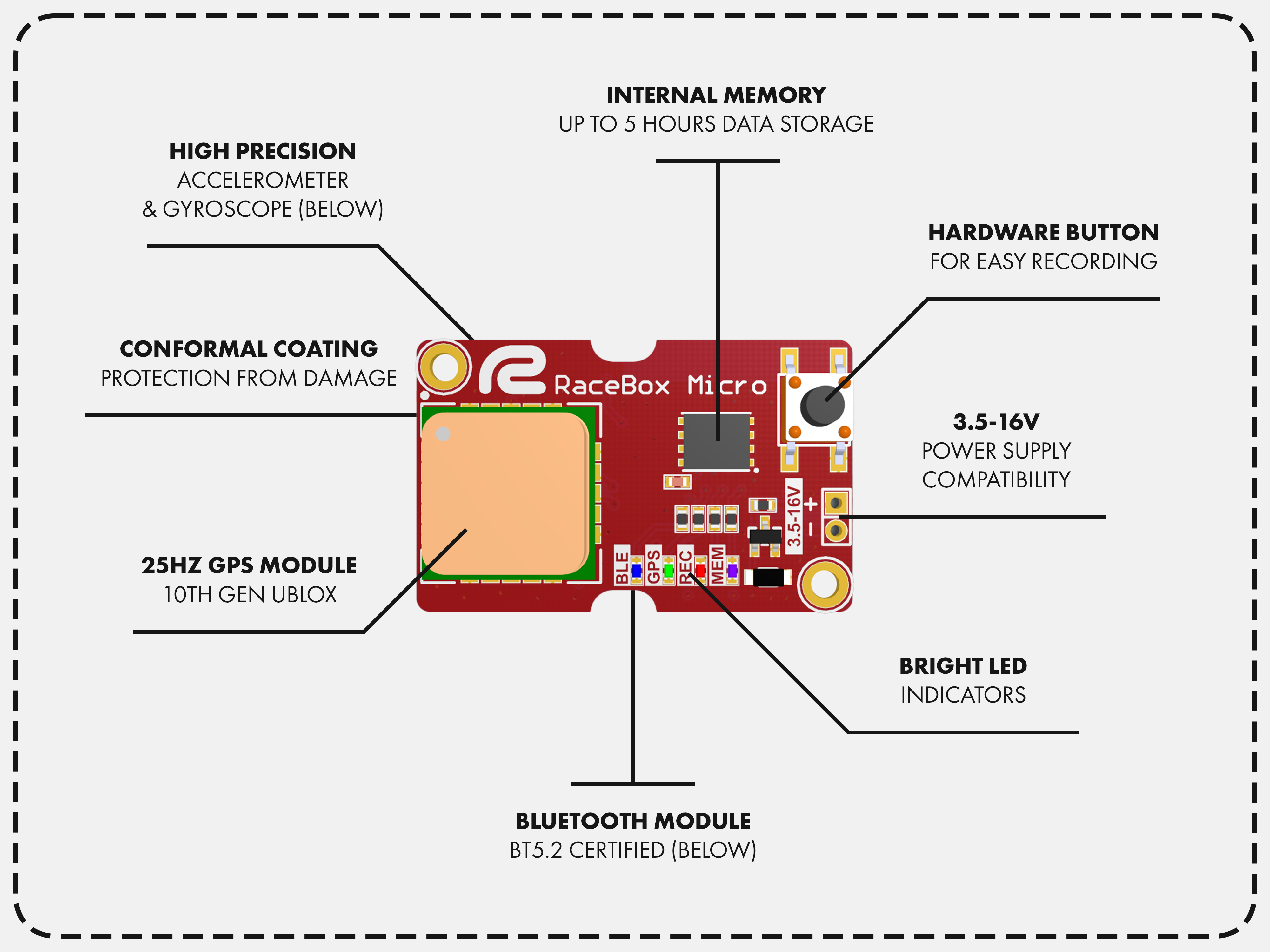
Key steps:
- Identify switched 12V fuse slot (on with ignition, off when car is off)
- Add fuse tap — no splicing, no cutting factory wires
- Run through buck converter for clean regulated 5V
- Route USB cable behind dash trim to dashboard mount location
- Verify GPS lock, head to track
On the S2000: accessory fuse slot in the under-dash fuse box. Clean access, no modifications required.
The Data
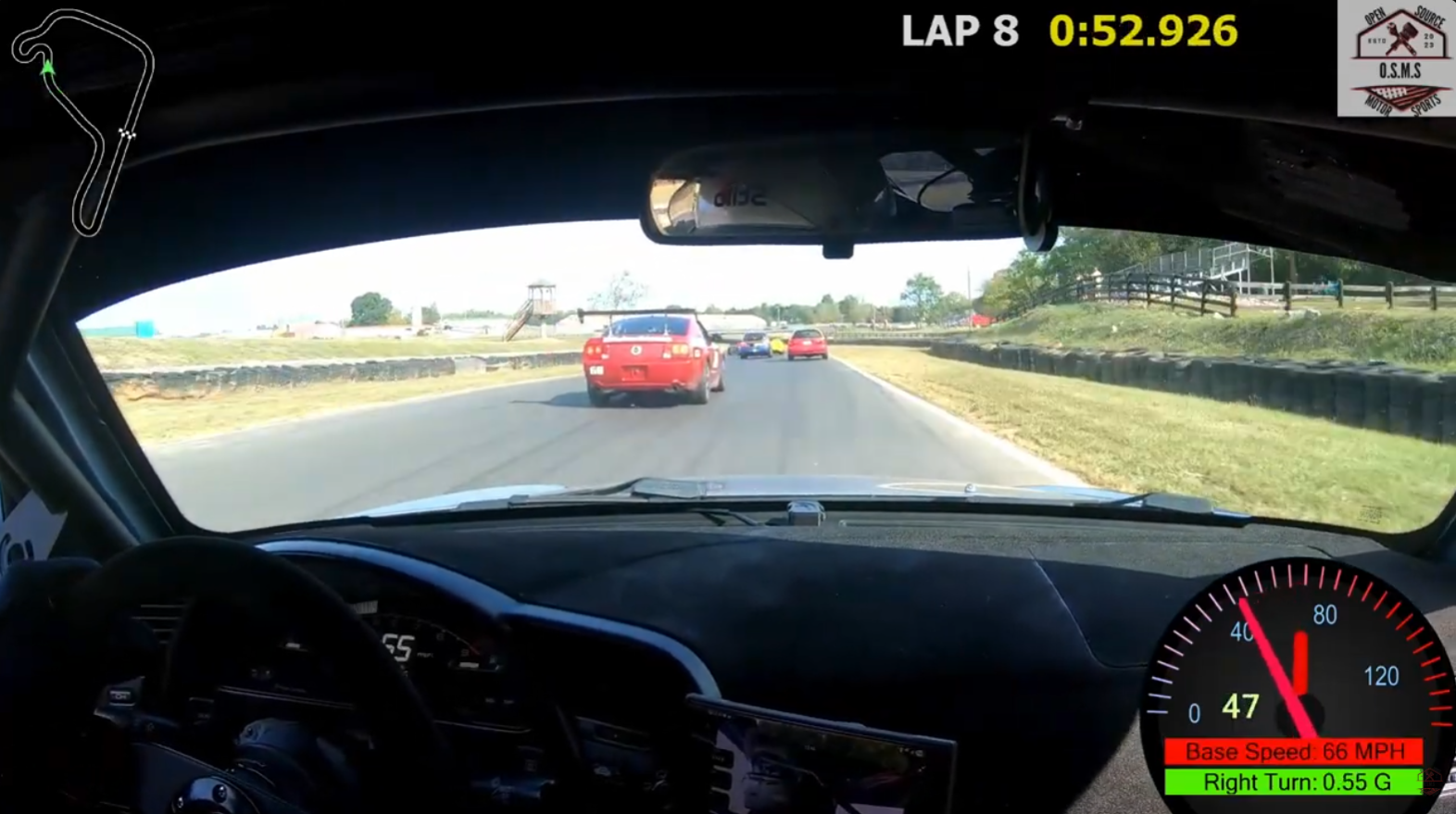
Lap times with delta, speed trace on GPS map, lateral and longitudinal g-force, video overlay sync.
See you at the track.
— Dan @ OSMS.io